
English 


Views: 0 Author: Site Editor Publish Time: 2026-05-21 Origin: Site


Cutting plastics using smart cutting machines often sits in a gray area between official manufacturer guidelines and community trial-and-error. Makers frequently wonder if their home equipment can handle denser materials. If you are evaluating whether to use a pvc sheet for your next signage, prototyping, or crafting project, knowing your machine's physical limitations is critical. Pushing a blade through rigid plastics without the right settings can quickly ruin both the material and your expensive hardware.
This guide breaks down exactly what thicknesses of PVC a Cricut can handle. You will learn which machine models are actually equipped for the job. We will also detail the custom software settings required to achieve clean cuts without risking permanent motor damage. By following these tested parameters, you can expand your crafting capabilities safely.
Not all Cricut machines perform equally well on dense materials. Your success depends entirely on the specific machine model's clearance and downward pressure. Hardware differences dictate what you can safely push through the rollers.
The Cricut Maker and Maker 3 are highly capable of cutting thin plastics. The Maker series utilizes an Adaptive Tool System. This system delivers up to 4kg of downward force. It accommodates the Knife Blade, making it the only reliable choice for dense materials. Official maximum material clearance sits at 2.4mm. However, the actual cutting limit for hard plastics is significantly lower than the physical clearance.
The Cricut Explore Air 2 and Explore 3 face stricter limitations. They only handle very thin, flexible plastics. You must rely on the Deep-Point Blade. Maximum clearance is 2.0mm. The Explore series lacks the advanced gear system required for heavy-duty plastic cutting.
The Cricut Joy is not recommended for this type of material. It lacks the size, pressure capabilities, and heavy-duty blade compatibility necessary for successful plastic fabrication.
| Machine Series | Max Clearance | Downward Force | Compatible Blades | PVC Cutting Capability |
|---|---|---|---|---|
| Maker / Maker 3 | 2.4mm | Up to 4kg | Knife Blade, Fine-Point | Excellent (Thin sheets up to 0.5mm) |
| Explore Air 2 / 3 | 2.0mm | Approx. 400g | Deep-Point, Fine-Point | Limited (Only ultra-thin sheets) |
| Cricut Joy | Limited | Low | Fine-Point only | Not Recommended |
Note: Always distinguish between clearance and cut depth. Clearance means what fits physically under the machine rollers. Cut depth means what the blade can safely penetrate. Just because a 2mm plastic piece fits inside a Maker does not mean the machine can cut through it.
Material thickness dictates your final result. Choosing the wrong specification determines whether you achieve a clean cut, a messy score, or a broken machine. You must measure your materials carefully before starting.
The 0.007" thickness (Approx. 0.2mm) represents the sweet spot. You can easily cut this using a Fine-Point or Deep-Point Blade. The material behaves similarly to acetate. It feels like overhead projector film. This thin profile is ideal for stencils, packaging windows, and light 3D embellishments. It puts minimal strain on the hardware.
The 0.020" thickness (Approx. 0.5mm) acts as the maximum safe limit. This requires the Cricut Maker, the Knife Blade, and significant patience. You will often need 10 to 15 passes to penetrate the material fully. This thickness works well for flexible keychains, durable tags, and thin signage. The blade requires a slow, methodical pace.
Anything 1.0mm and thicker enters the danger zone. Cricut machines cannot reliably cut rigid 1mm boards. Attempting the viral "100-pass hack" will severely degrade the motor life. It will also strip the internal gears. For rigid materials, you must switch to a CNC router or a CO2 laser cutter. Keep in mind laser cutting emits toxic chlorine gas. You need specialized ventilation for laser alternatives.
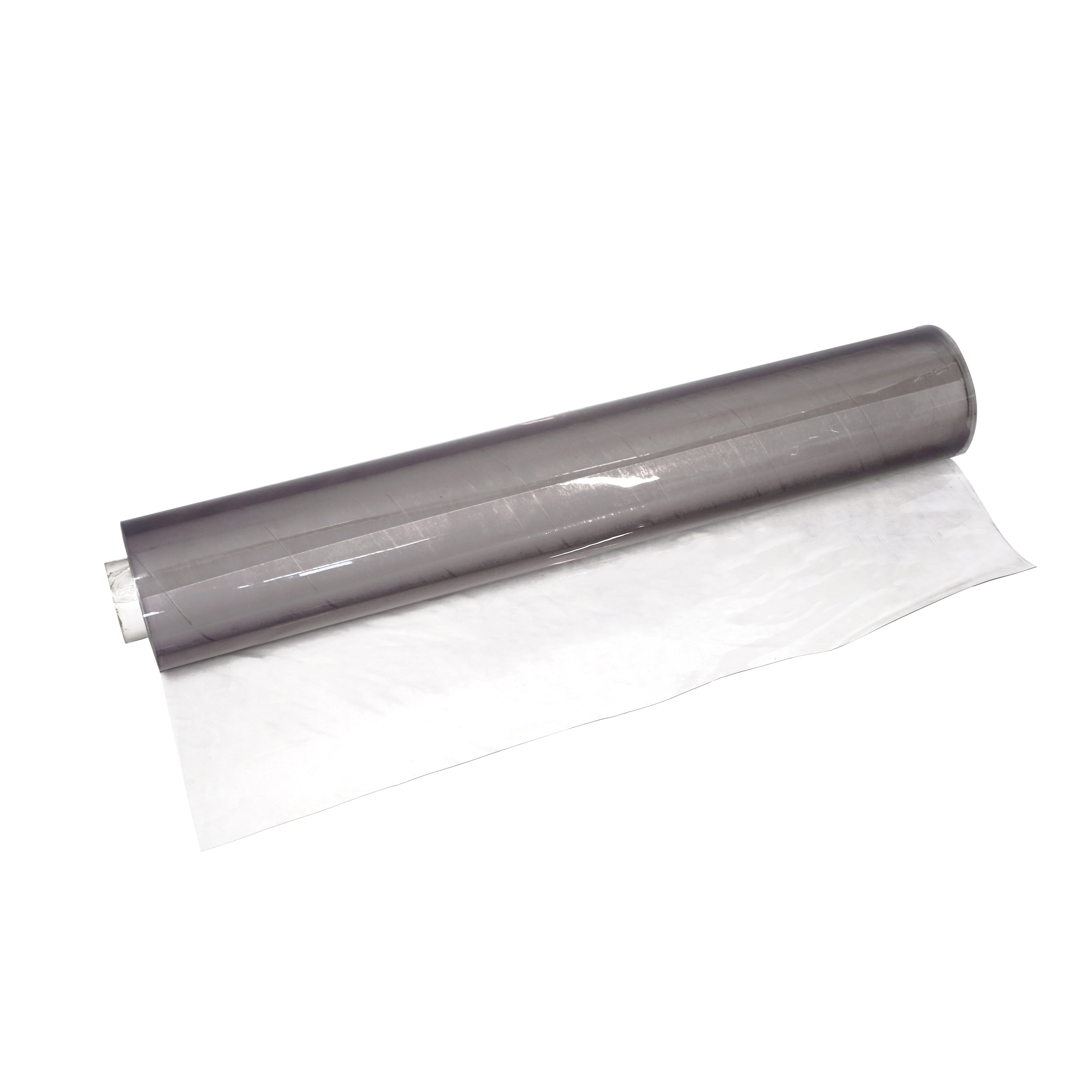
Understanding the thickness limits of a pvc sheet ensures clean cuts and protects your machine's motor from irreversible damage.
Cutting dense materials requires a highly secure setup. If the plastic shifts by even a fraction of a millimeter during a 15-pass operation, your project is ruined. Proper preparation eliminates wasted materials.
Follow these mandatory preparation steps to ensure a flawless execution:
Common Mistake: When taping your material, ensure the tape does not extend past the adhesive area of the mat. Tape running under the rubber machine rollers causes the mat to load unevenly. This will instantly skew the cut path and ruin alignment.
Cricut Design Space lacks a dedicated profile for this specific material. You must hijack other material settings designed for dense, multi-pass jobs. Choosing the right surrogate profile tricks the machine into applying the necessary force.
You must strictly follow the "Never Eject" rule. Once the machine finishes its programmed passes, do not press the unload arrow. Use a weeding tool or your fingernail to lift a corner of the cut. If it hasn't snapped through completely, press the "Go" button again. This adds more passes perfectly aligned with the original cut path.
Popping out the design requires a gentle touch. Once cut, gently flex the overall sheet. The design should pop out cleanly. If intricate corners remain stuck, use an exacto knife. Manually snap the final microscopic fibers. Never force or bend it sharply. Forcing the material will crack the plastic and ruin your edge.
Project requirements sometimes exceed the physical limitations of your cutting machine. When you need structural rigidity, you must pivot your strategy. Consider these proven alternatives for heavier applications.
You can try engraving instead of cutting. You cannot cut 2mm rigid boards. However, you can use the Maker's Engraving Tip. This tool allows you to score or engrave beautiful designs onto thick acrylic or plastic blanks.
Material swapping offers another excellent workaround. You might need a thick, clear, glass-like finish. Cut your design out of thin 0.020" plastic first. Apply a vinyl decal over it. Next, coat the entire piece using a self-leveling two-part epoxy resin. This builds impressive thickness and durability without straining your cutting blade.
Commercial outsourcing remains the best choice for bulk manufacturing. For B2B prototyping or batch runs requiring 1mm to 3mm rigidity, utilize a local CNC routing service. You can also purchase pre-cut blanks online and simply decorate them.
Best Practice: If you manufacture keychains or signage for retail, use the epoxy-coating method over thin cuts. This yields a much higher perceived value. It offers better durability than a raw, thin cutout.
While a Cricut machine remains an incredibly versatile tool, it is not a heavy-duty industrial cutter. You can successfully fabricate thin, flexible plastics up to 0.020 inches. This requires the right blade, a purple StrongGrip mat, and alternative software settings.
To ensure success on your next project, keep these actionable next steps in mind:
Pushing the hardware beyond its engineering limits to cut rigid boards will result in failed projects. Assess your material carefully before starting. Respecting the machine's boundaries guarantees longevity and better crafting results.
A: Yes, but keep it minimal. Highly intricate designs like thin mandalas or small text are prone to snapping during the weeding process. The plastic becomes brittle under the repeated stress of the blade. Stick to broader shapes and simple outlines for the best results.
A: This happens when the material shifts on the mat. Plastics require high downward force and multiple passes. The mat's adhesive alone isn't enough to withstand this friction. You must always secure all four sides firmly using masking tape before starting the cut.
A: No. Cutting Polyvinyl Chloride with a thermal laser releases toxic chlorine gas and hydrochloric acid. This gas is lethal to humans and will severely corrode the metal components of your laser machine. Stick to mechanical cutting methods like a blade or a CNC router.